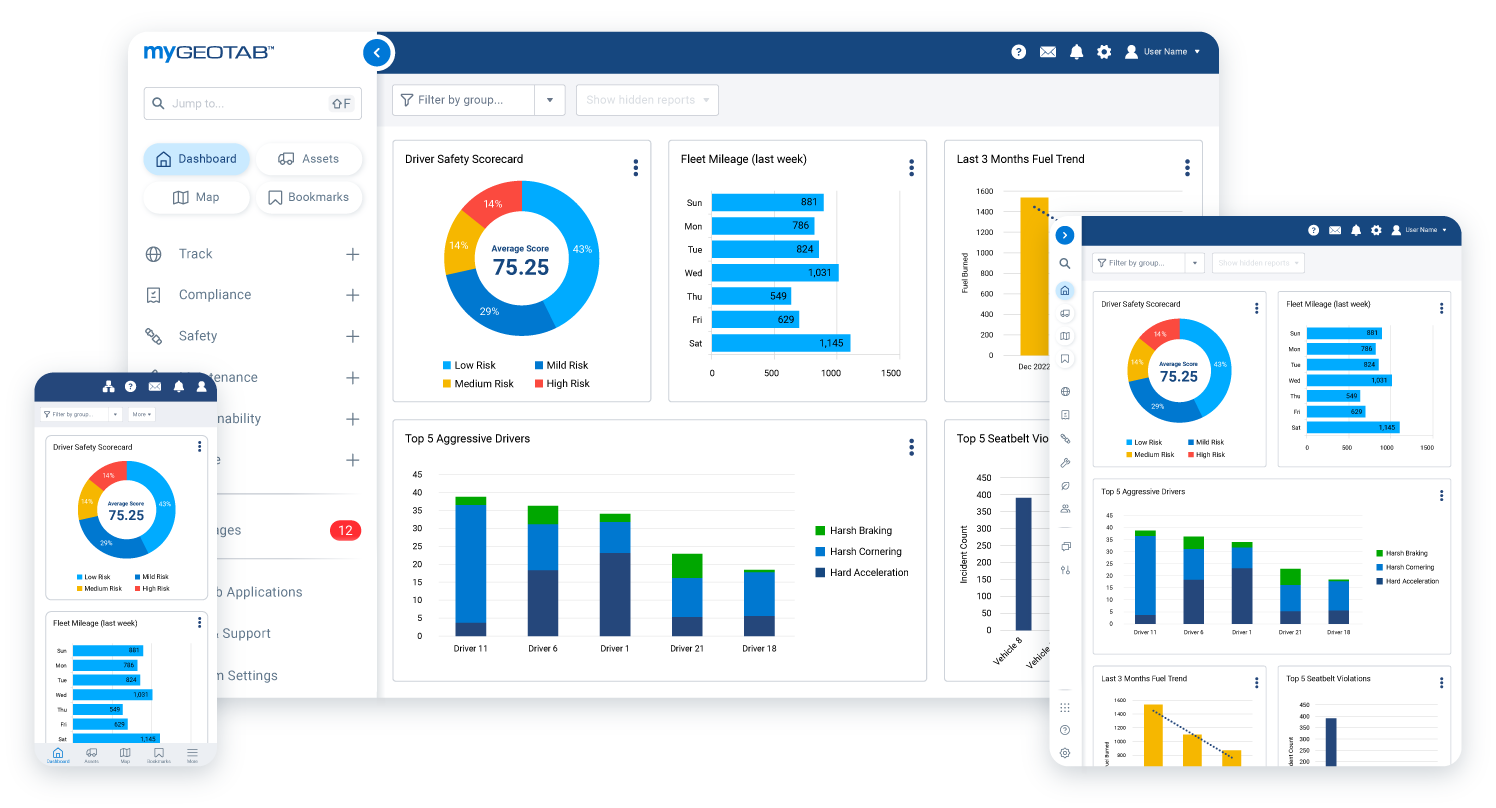
Rent the truck, get the data. Capps units can be equipped with Geotab before delivery, so location, driver behavior and utilization show up in MyGeotab from the first day of your contract.
Run Rentals Like You Own Them
Capps is part of Summit Fleet, and we work directly with Geotab to bring the same telematics our leasing customers use into commercial rentals. Live tracking, driver scoring and engine diagnostics all report into one dashboard, so a truck you rent for a month gets watched as closely as one you’ve owned for years.
What Geotab Tracks
Live Location
Every unit on one map, plus fast recovery if a truck goes missing.
Driver Safety
Seat belt alerts and safety scorecards for each driver behind the wheel.
Utilization
Find trucks sitting idle and send back what you don’t need.
Engine Health
Fault codes and maintenance alerts flag problems before they strand a crew.
Fuel Control
Less speeding, idling and hard driving means a smaller fuel bill.
Compliance
ELD, hours of service and vehicle inspections in one place.
Reporting That Does the Legwork.
Track. Coach. Save.
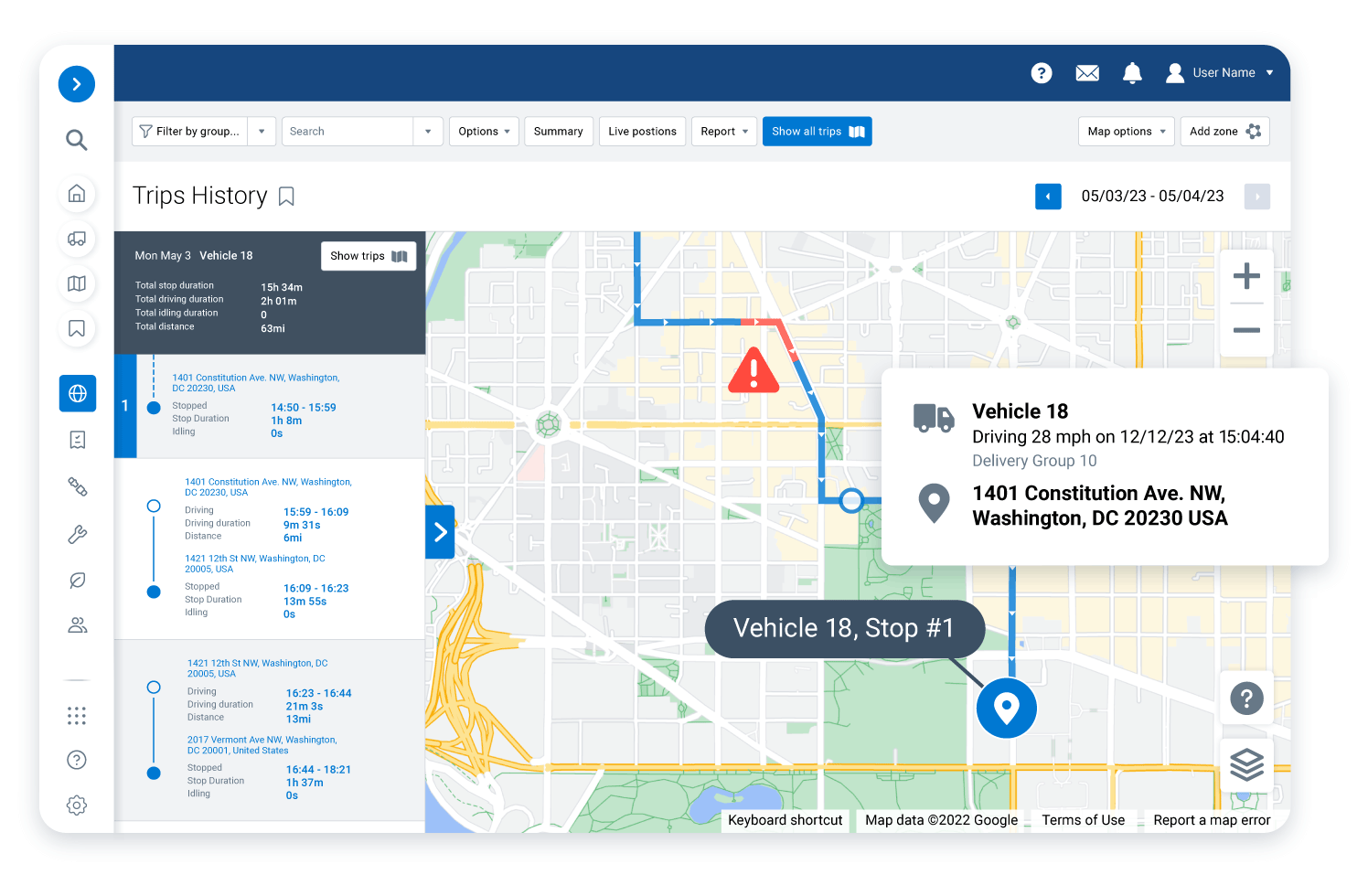
Trip history
Follow each truck’s route stop by stop. Look at one rental or the whole group to see how the workday really went and where the hours slipped away.
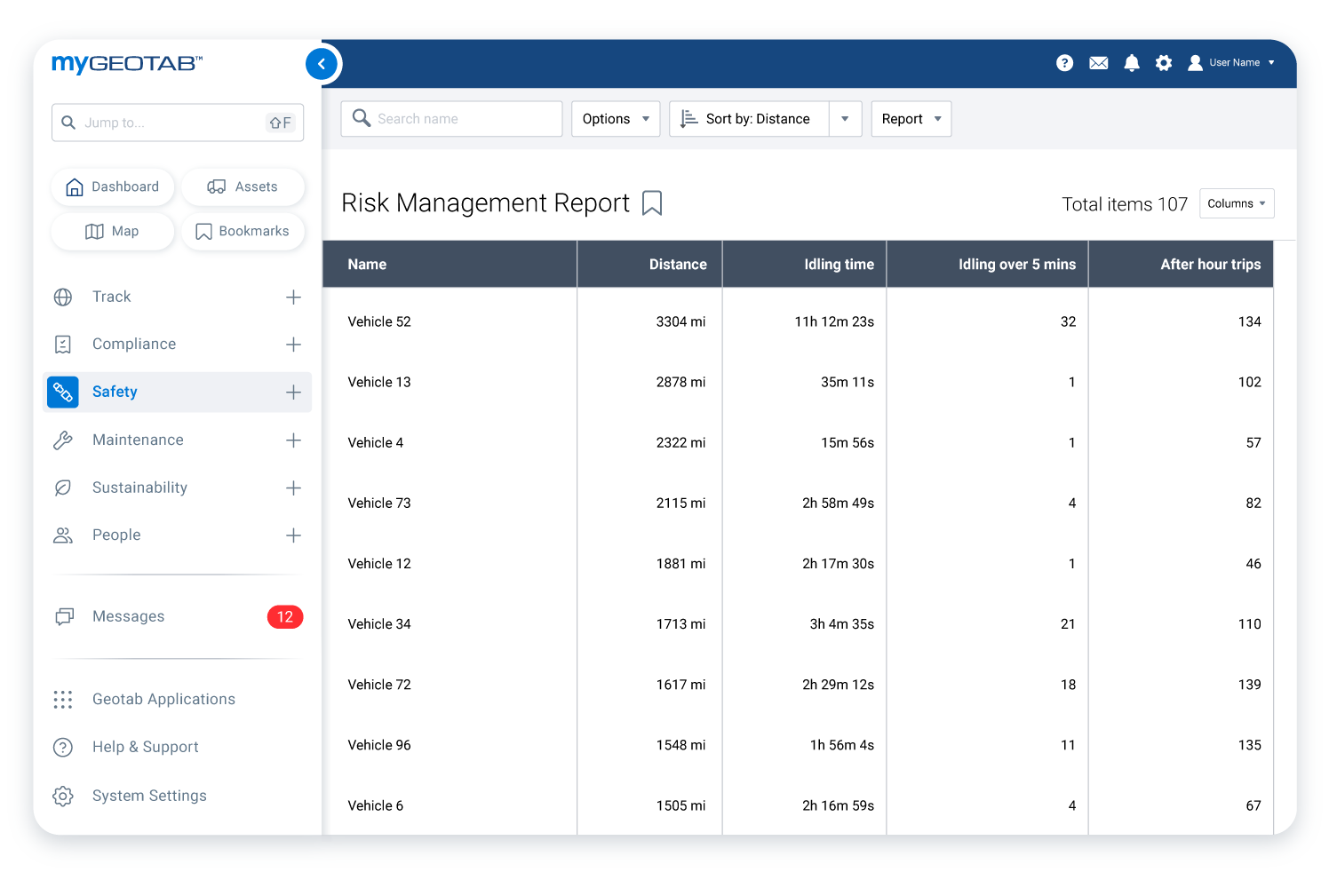
Driver risk report
Catch idling, reversing, harsh braking and engine abuse as it happens. Stop counts, average speed and total drive time roll up into a single view, so you know exactly which drivers need a conversation.
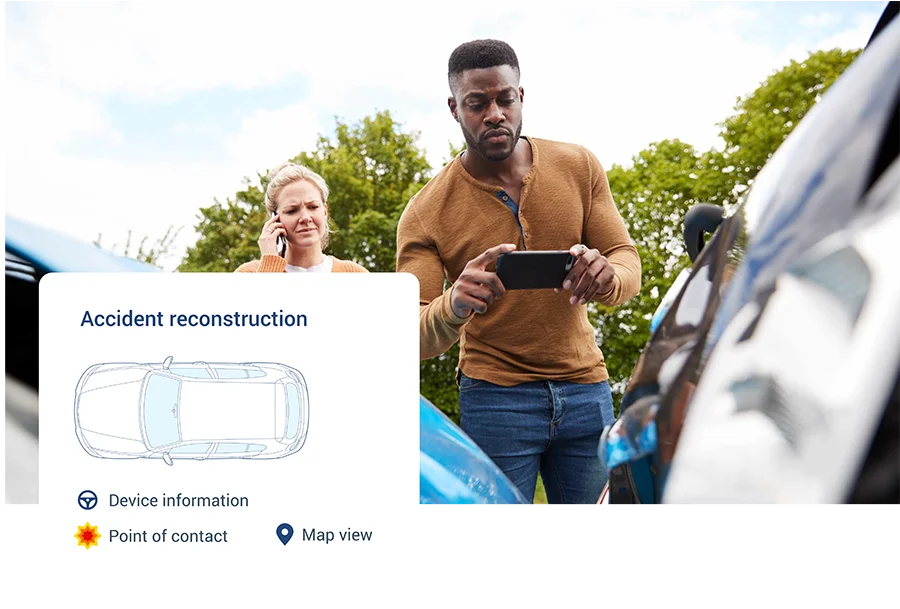
Collision and log data
GPS, accelerometer, engine, fuel and RPM data from every unit lands in one place. If a truck is in an accident, replay the seconds before impact—speed, heading and force—instead of piecing it together from memory.
GO Focus AI Dash Cams
See What Happened, Not Just Where
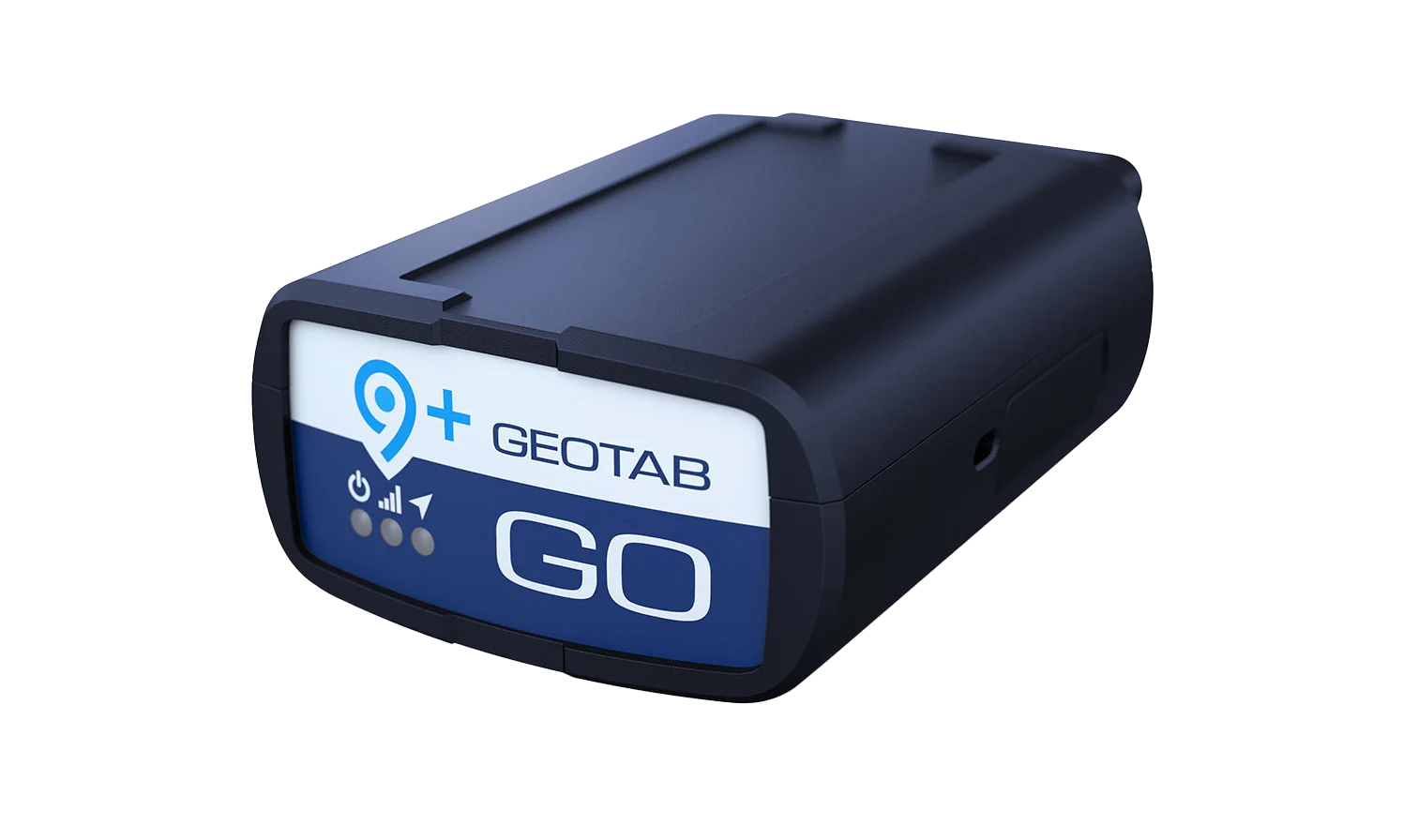
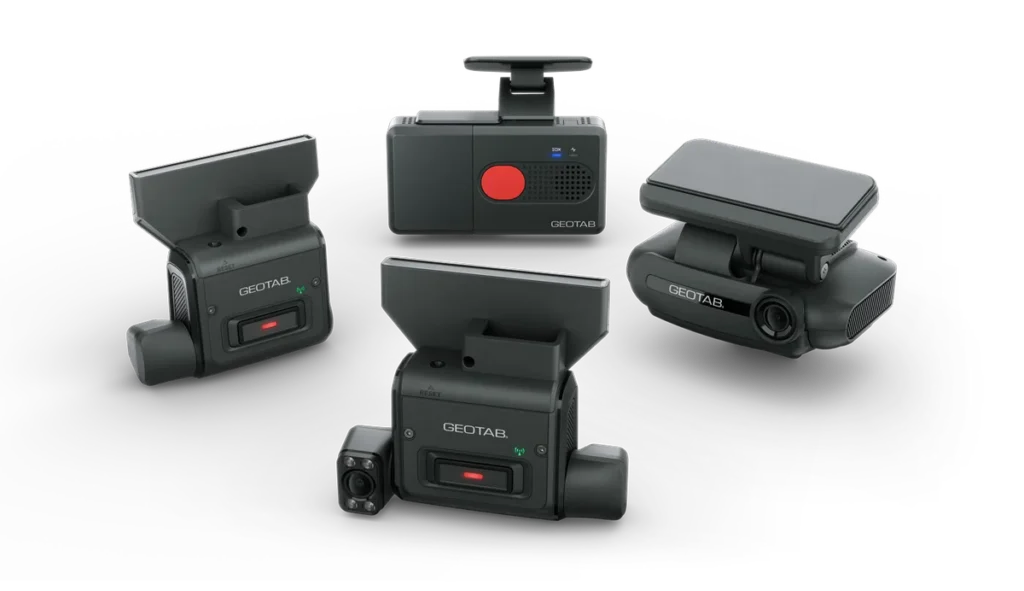
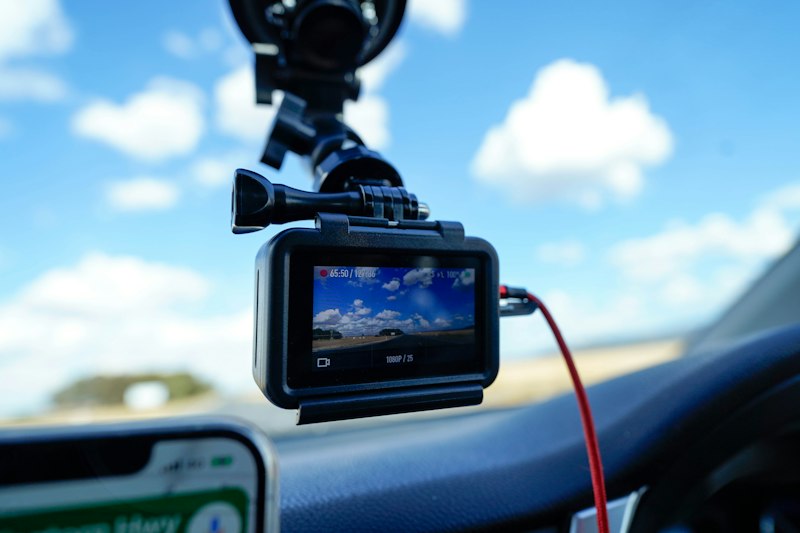
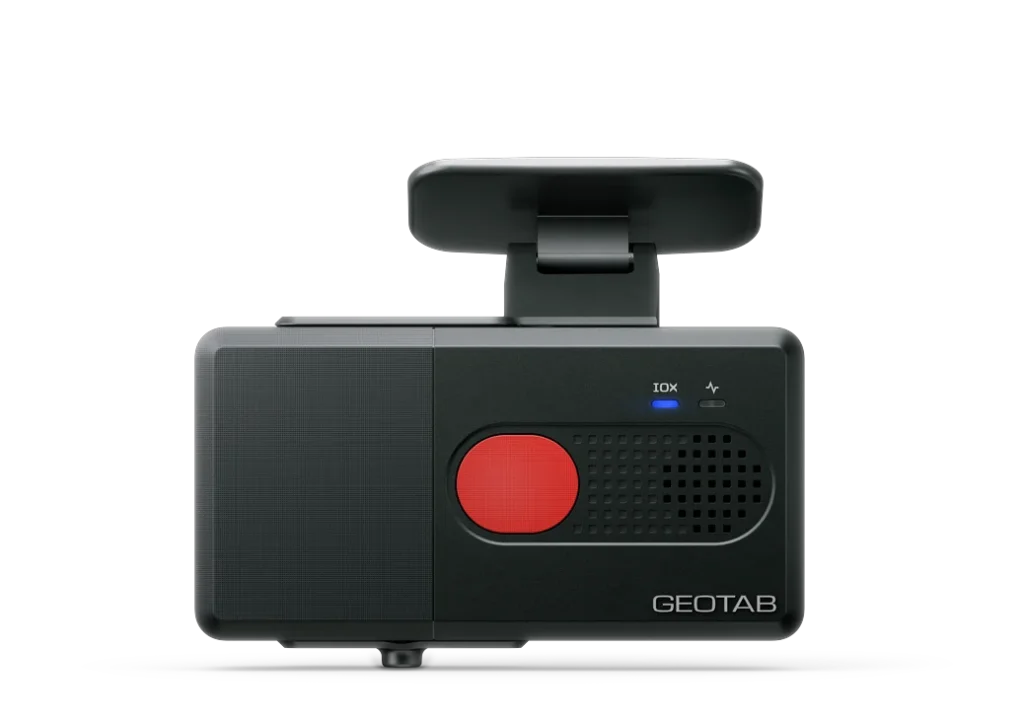
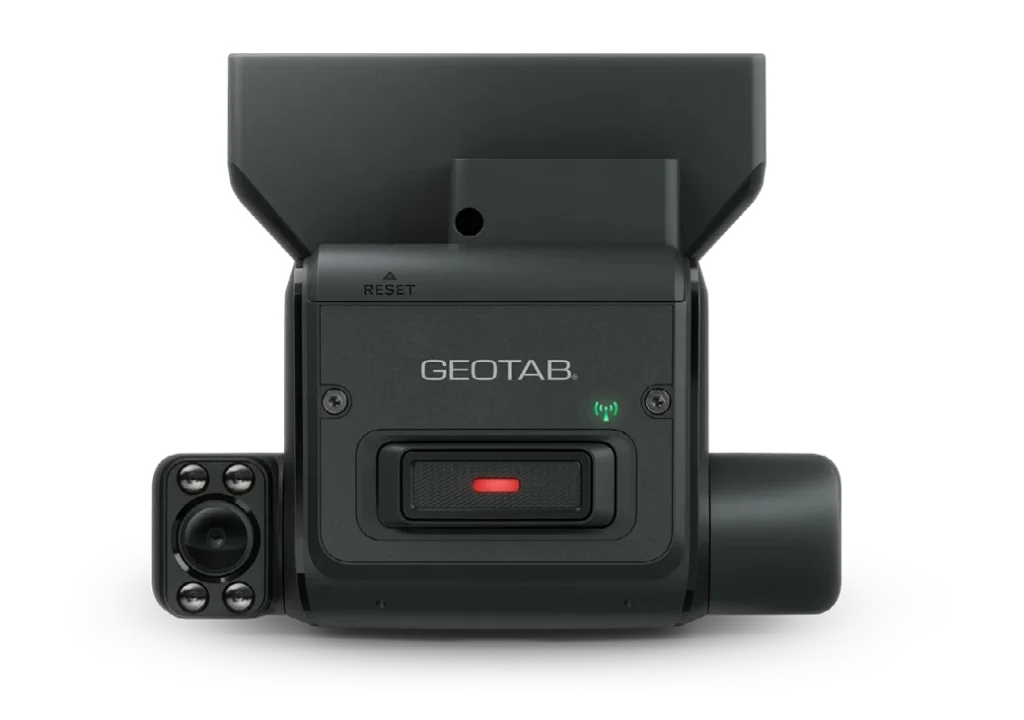
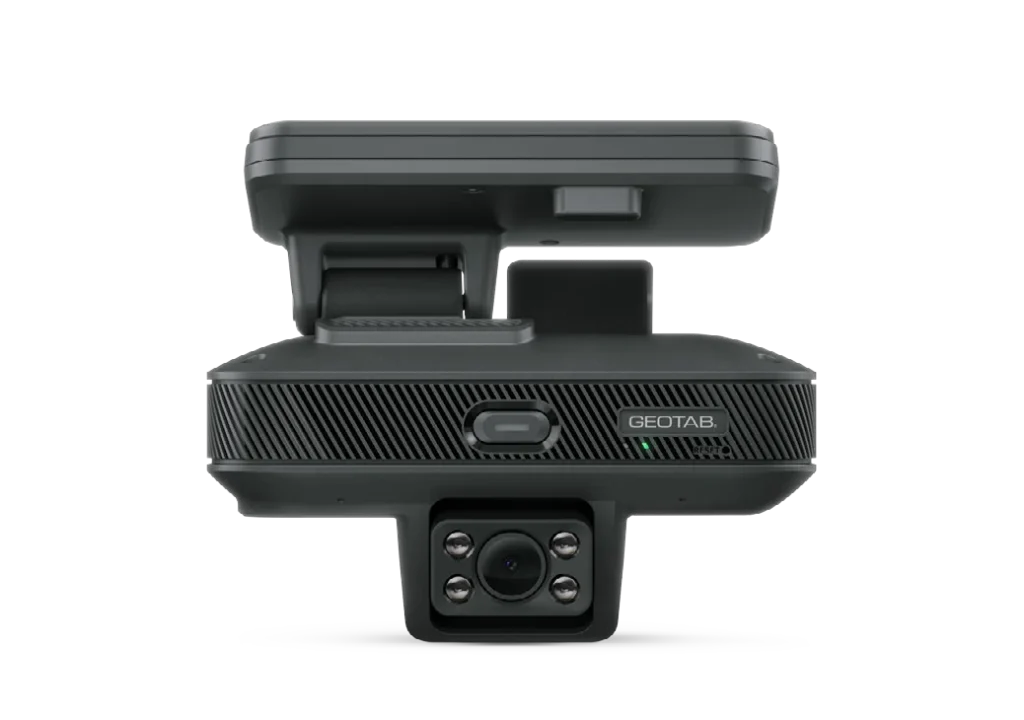
Telematics tells you a truck braked hard. A camera shows you why. Geotab’s GO Focus AI dash cams pair with the Geotab GO device in your Capps rental and send video straight into MyGeotab, right next to the trip data.
Three models: GO Focus, GO Focus Plus and GO Focus Pro
Road-facing only, or road plus driver-facing
AI flags tailgating, collisions and distracted driving automatically
Pairs with Geotab GO for quick setup
Fits vans, box trucks and heavy-duty units
How It Works
From Windshield to Coaching in Four Steps
1. The camera records
The dash cam runs whenever the vehicle is moving. No buttons for the driver to forget.
2. AI spots the risk
Tailgating, collisions and unsafe driving get flagged on the spot, so nobody scrubs hours of footage.
3. Clips land in MyGeotab
Flagged video uploads alongside speed, location and engine data. One timeline, one login.
4. You coach the driver
Review the event, talk it through and keep a record. Clear footage also clears good drivers when a claim comes in.
Pick Your Camera
Three Cameras. One Platform.
Start privacy-first or go full 360°. All three report into the same MyGeotab account as your telematics.
GO Focus
Road-facing only. No in-cab camera, no microphone.
Captures road events and collisions
Highest level of driver privacy
Best for: crews who want safety data without in-cab recording
GO Focus Plus
Road and driver-facing, built for coaching.
Spots distraction and risky habits
Driver-facing camera can be switched off
Best for: fleets running a driver coaching program
GO Focus Pro
Driver, road and up to five auxiliary cameras.
Full 360° view around the vehicle
Advanced AI event detection
Best for: box trucks and heavy-duty work like construction, snow removal and people transport
GO Focus watches the road only. GO Focus Plus adds a driver-facing camera for coaching. GO Focus Pro adds up to five auxiliary cameras for a full 360° view.
You get event video lined up with speed, location and force data in MyGeotab. That speeds up investigations, settles disputes and protects drivers from claims that aren’t their fault.
Footage is saved on the camera and uploads automatically once the connection comes back.
Power Your Data. Protect Your Project.
Ask for Geotab—and GO Focus dash cams—when you request a commercial truck quote. We’ll equip the units before delivery, so your fleet reports on itself from the first mile.